
1xBet download for PC: Official Desktop App
You get live casino, roulette, slots, table games, and full sports betting in one desktop app. The 1xBet app for PC is free to download for Windows and macOS. The desktop version mirrors the website functions and adds faster loading, stable performance, and a focused full-screen view.
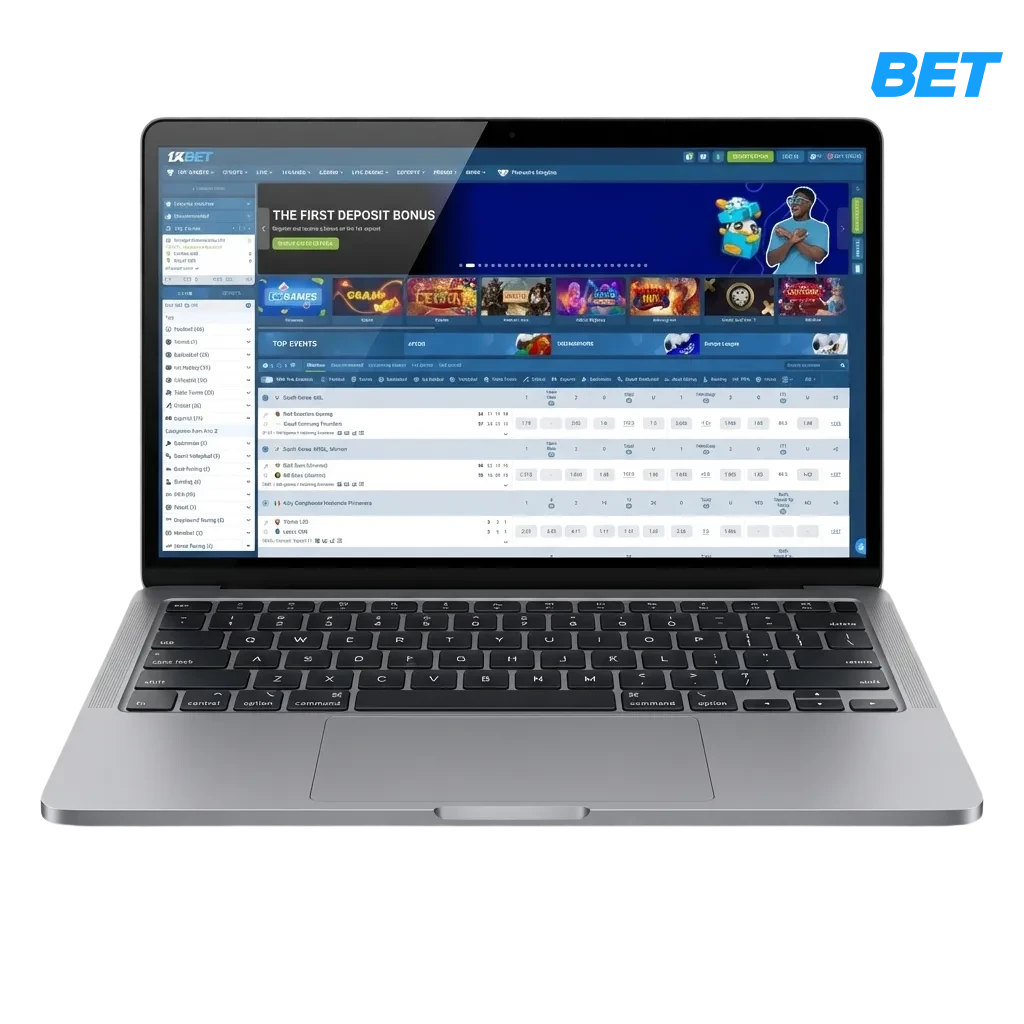
PC Client Overview and Key Details for India
The 1xBet PC app delivers a desktop-first betting experience: faster page loads, steadier live streams, full-screen focus. If you plan a 1xBet download for PC, check the quick facts below.
| PC Client Size | Around 150 MB (Windows); Around 140 MB (macOS) |
| Available Languages | English, Hindi, Bengali, Tamil, Telugu |
| Category | Sports betting, Live Casino, Slots, Table Games, Esports, Virtual Sports |
| Compatible with Windows | Windows 7, 8, 8.1, 10, 11 |
| Compatible with macOS | macOS 10.13 High Sierra or later, Intel and Apple Silicon via Rosetta |
Pros and Cons for Desktop Play on PC
Installing the desktop client boosts speed and stability for long sessions. Review the main benefits and a few trade-offs before you install.
| Pros | Cons |
|---|---|
| Faster page loads during live betting | Takes storage space on your computer |
| Stable performance in long sessions | Occasional manual update on restricted networks |
| Full-screen interface and larger odds view | Notifications may distract unless customised |
| Multi-window support for match tracking | – |
| Quick bet slip access and keyboard shortcuts | – |
| Fewer browser memory issues | – |
| Auto login and smart notifications | – |
How to download 1xBet for Windows PC
The Windows application runs on most modern computers and needs modest resources. A dual‑core CPU, 4 GB RAM, about 500 MB free space, and a stable internet connection are enough.
- Click the button below. Open the official page and start the download process.
- Download the installer. Save the setup file to your computer.
- Run as administrator. Double-click the file and allow the installer to make changes.
- Follow setup prompts. Read and accept the terms, choose the install folder, and continue.
- Allow firewall access. Approve network permissions to enable live data and streaming.
- Finish and launch. Open the desktop client from the shortcut.
- Log in or sign up. Enter your account details and start betting and casino play.
Install the Desktop App on macOS
The 1xBet app for Mac supports Intel and Apple Silicon devices. It works on macOS High Sierra or newer.
- Click the button below. Go to the official page and download the Mac installer.
- Open the file. Find it in Downloads and launch the package.
- Allow installation. If blocked, go to System Settings > Privacy & Security and click Allow.
- Apple Silicon tip. If prompted, install Rosetta to run the app smoothly.
- Drag to Applications. Complete the setup and move the app to Applications.
- Launch the client. Open it from Launchpad or Applications.
- Sign in or create an account. Start betting, live casino, and games on desktop.
Update the PC Client to the Latest Version
Regular updates add features, improve stability, and enhance security. Keep the app current for the best desktop experience.
- Open the 1xBet PC icon. Launch the client to access the betting site.
- Go to Settings. Open Menu > Settings > Updates.
- Check for updates. Click Check and confirm the download if a new build appears.
- Restart the app. Finish installation and reopen the client.
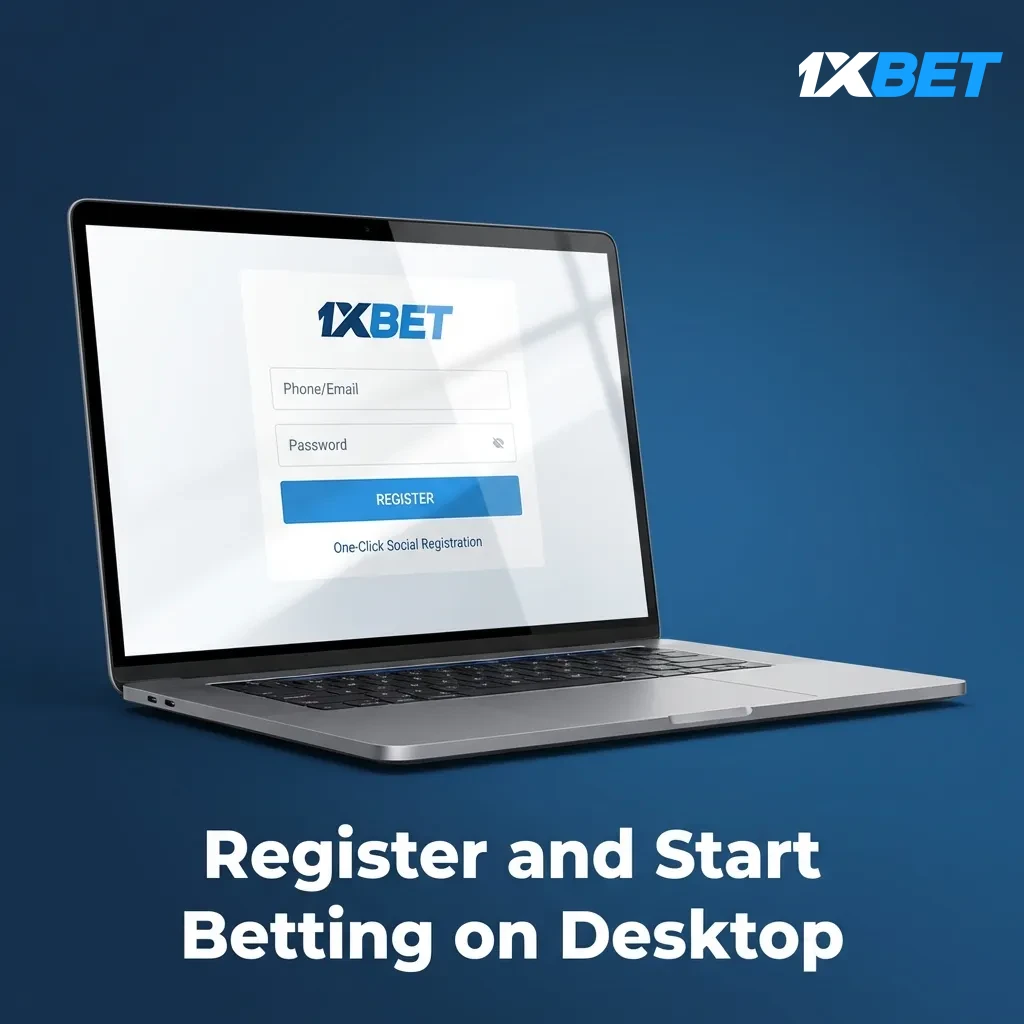
Register and Start Betting on Desktop
Create your account in minutes and get access to full betting and casino features, offers, and support.
- Open the app on your computer. Launch the desktop client.
- Click Register. Choose one‑click, phone, email, or social sign‑up.
- Fill in details. Set country, currency in INR, and personal information.
- Verify and log in. Confirm your contact info, then log in and place your first bet.
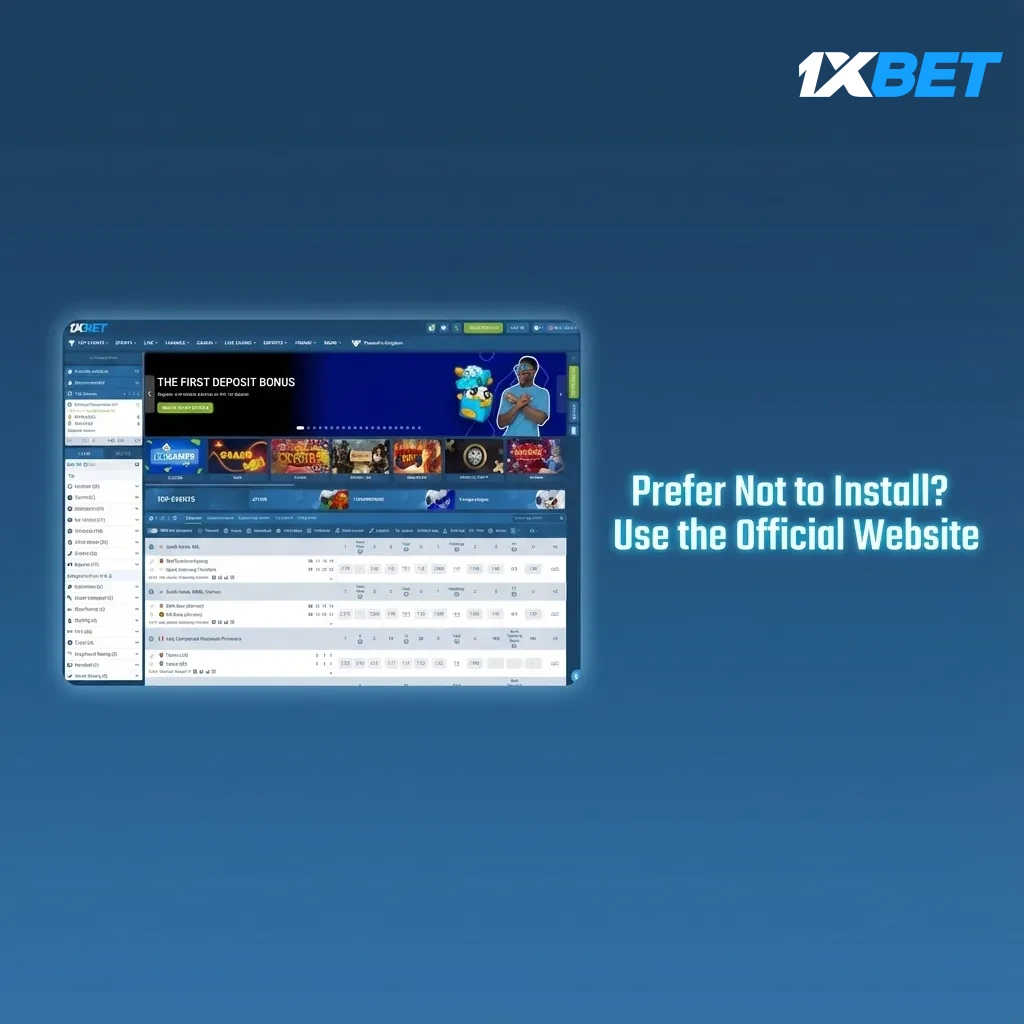
Prefer Not to Install? Use the Official Website
You do not need the PC app to enjoy betting and casino games. You can log in on the official website and access sports, live casino, slots, and payment options. The browser version supports all key functions, including deposits, withdrawals, and live streaming. Your account works the same on computer and mobile.
Support for Desktop Users in India
Help is available 24×7 for desktop users. Use live chat for quick fixes or email for detailed queries.
- Live Chat: Available inside the desktop app and on the website, 24/7;
- Email (General support): [email protected];
- Email (Security/KYC): [email protected];
- Email (Payments): [email protected];
- In‑app ticket: Open Help > Contact us and submit your request.
FAQ
How much does the PC app cost?
It is free to download and use. Standard data charges from your provider may apply.
Can I change odds format and language?
Yes. Go to Settings to switch odds to decimal, fractional, or American, and pick your preferred language.
What devices can run the client?
Most modern Windows 7–11 and macOS 10.13+ computers can run it. A dual‑core CPU and 4 GB RAM are recommended.
Is online betting allowed in my state?
Rules vary by state. Check local laws before placing bets and use the platform only where it is permitted.
How do I set deposit or betting limits?
Open Account settings and choose Responsible Gaming tools. Set limits, cool‑off periods, or self‑exclusion as needed.
Updated: